iOS · Android
Shelf Track
Track stock, manage shelves.


Overview
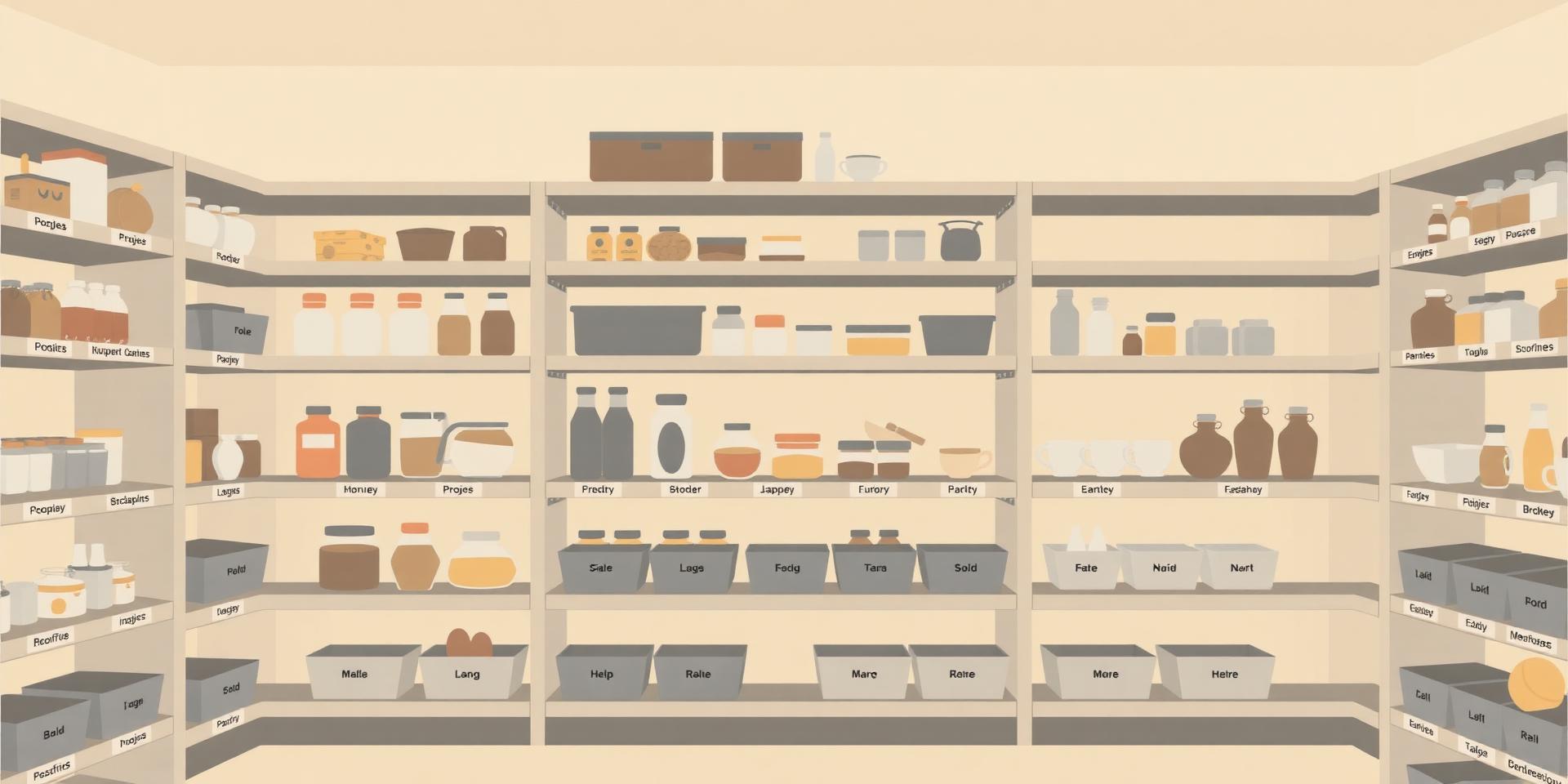
Shelf Track is a home inventory app built for real homes. Give every item a shelf and a count, snap a photo or pick a symbol, and swipe items between On shelf, Need to order, and Ordered. Everything syncs across your iPhone, iPad, and Android devices.
Features
Shelves your way
Pantry, garage, bins, closets — name them anything. Items belong to one shelf and stay easy to find.
Quantities & quick adjust
1 to 99,999. Tap the stepper on the item screen to bump counts without opening a full editor.
Photos or symbols
Snap from camera, pick from library, or choose any SF Symbol. Spot items at a glance.
Search, filter, sort
Search by name, filter by shelf, and sort by name, shelf, quantity, or date added.
Ordering lists
Three states: On shelf, Need to order, Ordered. Swipe right to move items between them.
Sync across devices
Sign in with Apple or Google. Inventory, photos, and preferences follow you everywhere.
Reviews
- 576
- 412
- 33
- 21
- 10
Finally, a home inventory app that fits
Hannah W.
I've tried five of these. Shelf Track is the only one I actually opened again the next day. The swipe between 'on shelf' and 'need to order' is genius.
Feb 2026
Perfect for the garage
gregp
Bins, screws, filters — I finally know what I have before I go to the hardware store. Photos + counts is all I needed.
Jan 2026
Beautiful and fast
Sana M.
iCloud sync just works between my iPhone and iPad. Would love a Mac app someday, but this is already the best in the category.
Dec 2025
Pantry sanity restored
the_pantry
SF Symbols instead of photos for pantry items is such a small touch and it makes the whole app feel considered.
Nov 2025
Organized my whole craft room
Rachel L.
Washi tape, beads, buttons — I used to buy duplicates all the time. Now I check Shelf Track before I order anything.
Oct 2025
Great start, easy to use
dave_in_denver
Clean interface and the shelf metaphor makes sense immediately. Looking forward to more sorting options in the future.
Sep 2025
Worth every penny
Karen P.
Simple, fast, and the sync works. I run a small business out of my home and this keeps inventory stress-free.
Aug 2025
No more double-buying spices
Mike R. · Austin, TX
I used to come home from the store with duplicates every week. Now I just check Shelf Track. The search is instant.
Aug 2026
Family pantry sorted
Nina S.
My whole household uses this now. Shared shelves, quick quantity updates, and the ordering list makes grocery planning easy.
Jul 2026
Handy and polished
Tom B.
Great for keeping track of tools and supplies. A few more export options would be nice, but it's already my go-to inventory app.
Jun 2026
Changelog
Release notes — what shipped in each version.
Version 1.9
July 15, 2026- Product costs and inventory value
- Item photos stay synced to the cloud
- Offline sheet closes when you're back online
- In-app feedback for bugs, feature requests, and support
Behind the scenes
- Small fixes you might not notice, but you'd notice if they weren't fixed.
Version 1.8
July 13, 2026- Item notes
- Expiration dates
- Quantity units
- Clone an item with one tap
- Cloud backups
- Items can live on multiple shelves
- Deleting a shelf keeps shared items
Behind the scenes
- Small fixes you might not notice, but you'd notice if they weren't fixed.
Version 1.7
June 15, 2026- Fixed an issue where account deletion could fail
- Fixed internet connectivity
- Fixed MacBook crash
Behind the scenes
- Small fixes you might not notice, but you'd notice if they weren't fixed.
Version 1.6
June 10, 2026- Fixed an issue where account deletion could fail
- Clear all inventory data without deleting your account
- Minor bugs and fixes
Behind the scenes
- Small fixes you might not notice, but you'd notice if they weren't fixed.
Version 1.5
June 3, 2026- Minor bugs and fixes
Behind the scenes
- Small fixes you might not notice, but you'd notice if they weren't fixed.
Version 1.4
June 4, 2026- New dedicated out-of-stock section
- Add missing items with one-tap
- Filter out-of-stock items
- Importing and exporting
- Updated toast
- Updated support content
Behind the scenes
- Small fixes you might not notice, but you'd notice that they weren't fixed.
Version 1.3
June 2, 2026- Leave feedback from the home screen (next to settings)
- Tap quantity on an inventory item to edit it quickly
- Tap quantity when viewing or editing an item to type a new amount
- Hold on a shelf or product name to rename or delete it
- Clearer “changes saved” confirmation when your changes sync
- Updated support contact
Behind the scenes
- Small fixes you might not notice, but you'd notice if they weren't fixed.
Version 1.2
June 1, 2026- Offline notice when you're not connected (you can dismiss it)
- “Reconnected” toast when you're back online
- Sync now in settings for manual cloud sync
- Out-of-stock items easier to spot in your inventory
- Zero quantity allowed on items
- Updated inventory layout with search and add at the bottom
- Choose your home screen title in settings
- Fixed choosing a profile photo from your library
- Smoother admin user management
Behind the scenes
- Small fixes you might not notice, but you'd notice if they weren't fixed.
Version 1.1
May 21, 2026- Updated settings and account
- Improved inventory lists and ordering
- Easier shelf and product name management
- Safer editing when adding or changing items
- Updated external links
- Cloud sync status at the top
Behind the scenes
- Small fixes you might not notice, but you'd notice if they weren't fixed.
Version 1.0
April 9, 2026- Initial release.
FAQs
Frequently Asked Questions
More from Snow Studios



Get Shelf Track today.
iOS · Android